No Screen.
Just Listen.
A headless firmware for the T1000E, powered by MeshCore — hear inbound Morse (CW) and reply with physical taps.
Supports 865–928 MHz.
Send special commands (like /msg, /ringtone, /buz) from the MeshCore App by posting in the Public Channel.
T1000E-Node: [Receiving...]
🔊 Output: ... --- ...
(Morse Code Audio Playing)
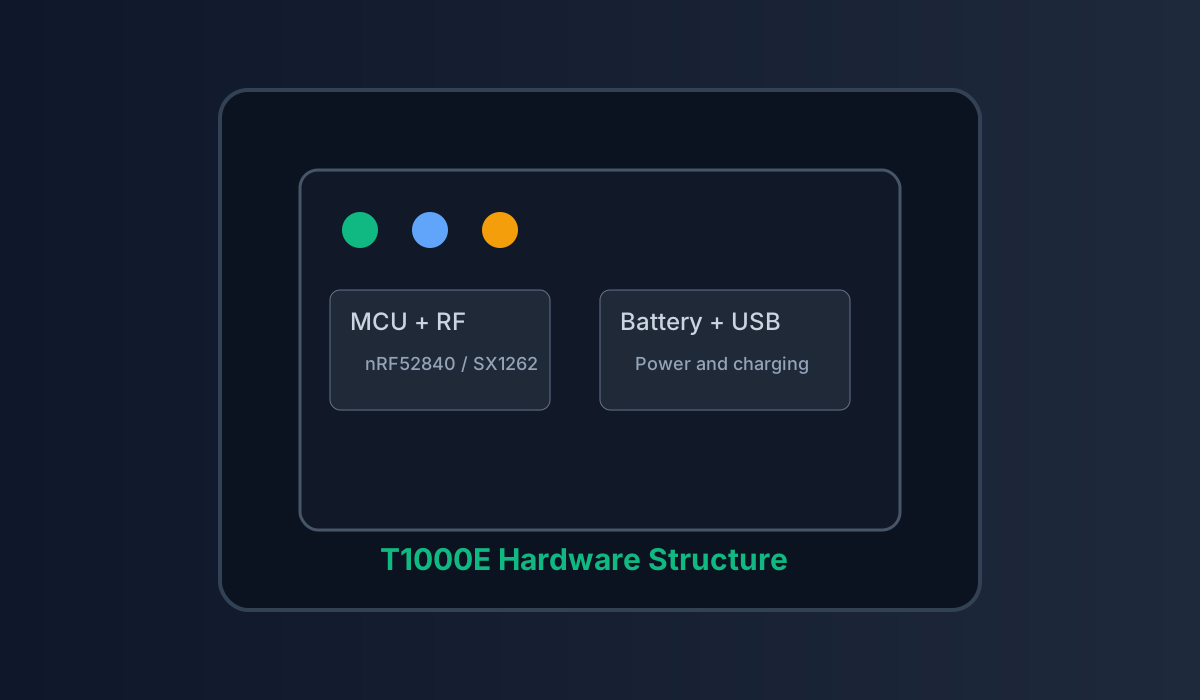
Hardware at a glance
Structural reference for T1000E internals.
CW / RTTTL Audio Modes
New in v2: Use the /buz
command to toggle modes.
Switch to CW (Morse) to hear incoming text messages played instantly.
Or use RTTTL for classic ringtone notifications.
TapTap to Send
Don't touch your phone. Configure canned messages and send them with simple button sequences. Powered by the efficiency of MeshCore.
Commands
Quick control via MeshCore commands.
/msg message presets
Get preset list with /msg.
Set up to 8 messages using | as separator.
/msg SOS|Need Water|On the way|Comming soon|Back home|Need help asap|Forward|In comming
/ringtone RTTTL ringtone
Get current RTTTL config with /ringtone.
Set a custom ringtone by providing an RTTTL string.
/ringtone Nokia:d=4,o=5,b=240:8e6,8d6,f#,g#,8c#6,8b,d,e,8b,8a,c#,e,2a
/tap tap routing
Use /tap here in the MeshCore App to bind tap messages to the current channel or a specific device target.
/tap here
/buz audio driver
Switch output mode instantly. /buz cw streams Morse; /buz rtttl plays RTTTL ringtones on incoming events; /buz off mutes the buzzer entirely.
Instant Morse playback for every inbound message.
Trigger configured ringtone (via /ringtone).
Silence alerts when stealth is required.
/wpm CW speed
Set the CW playback speed in Words Per Minute. Higher values play Morse faster; lower values slow it down for readability.
Range: 5–50 WPM. Default is 20 WPM.
Returns current WPM setting.
Set to 20 WPM — comfortable for most operators.
High-speed CW for experienced operators.
Button Interaction Tips
Master no-screen workflows: broadcasting, preset selection, GPS toggle, and shutdown.
- Single tap: Broadcast immediately.
- Double tap: Enter message selection mode. While in this mode, single tap cycles through 8 slots labeled in binary (000–111) with two tones indicating state.
- Long press: Confirm and send the highlighted message.
- Triple tap: Toggle GPS on/off.
- Press & hold 5s: Power off.
Complete Your Setup
Flash TapTap via drag-and-drop .uf2 update or push it over the MTools BLE App. Either path unlocks the full MeshCore feature stack on your T1000E so you can run TapTap alongside every MeshCore capability.
-
UF2 Drag & Drop
Connect via USB, drop the TapTap UF2, and reboot straight into the latest firmware.
-
MTools BLE App
Update wirelessly in the field; no cables required for on-the-go upgrades.
-
Full MeshCore stack
TapTap firmware keeps every MeshCore feature available, so advanced routing, telemetry, and tooling stay intact.
Upgrade with MTools BLE

